
Wide Format Inkjet
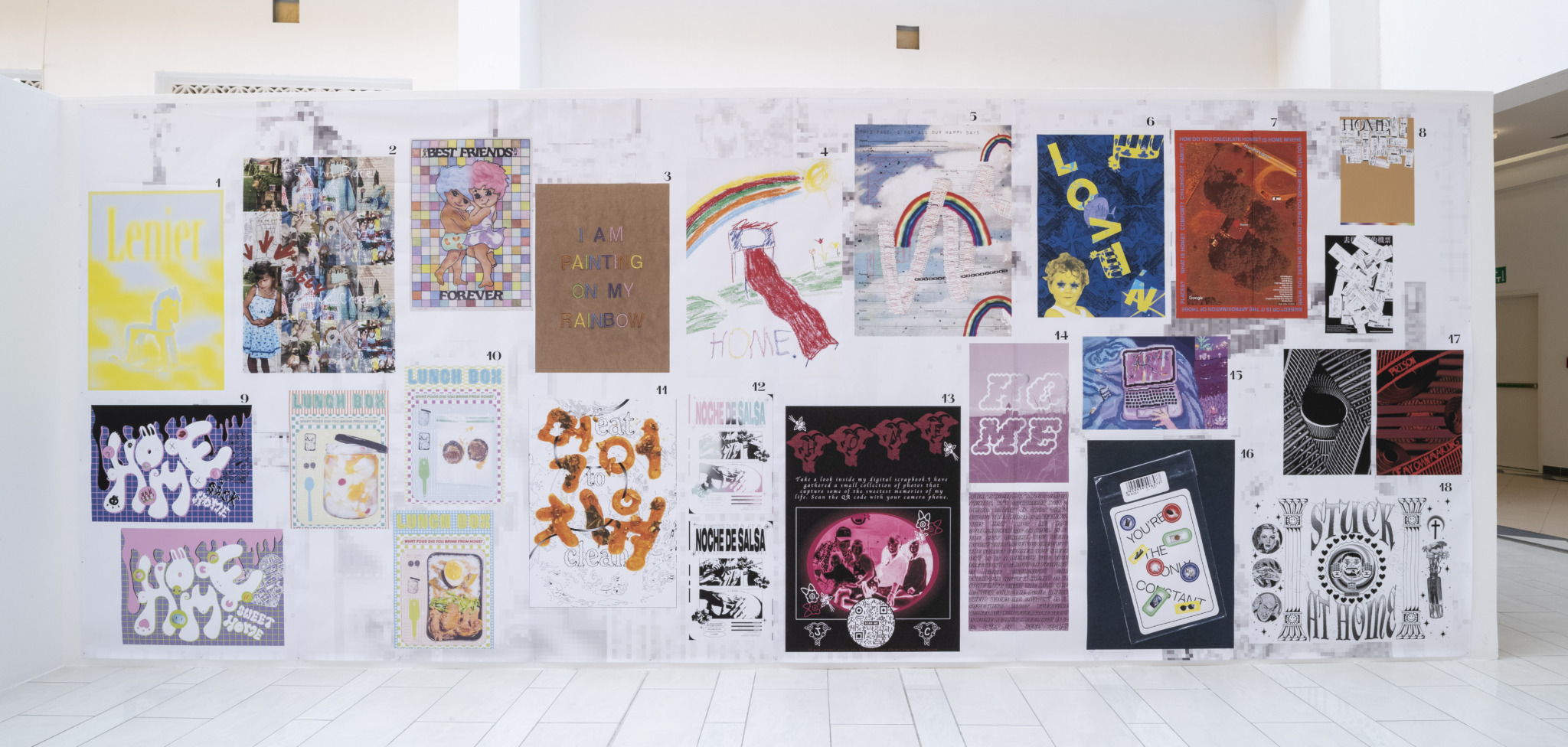 Wide format inkjet printing offers the highest resolution, color accuracy and large media sizes from our current selection of service. We currently use two Canon inkjet printers, PRO-6600 60″ and the PRO-4100 44″. Great for high quality posters, artwork reproduction, photography, or for anything larger than 12″x18″.
File Format and General Guidelines
- Export file format (for submissions) : PDF
- Design in color mode RGB.
- Single sided printing only.
- Color Profile we use for printing : Adobe RGB (1998)
- Resolution : maximum is 300dpi, minimum recommended is 150dpi.
- Files should be flattened, we recommend making a copy of your design file and flattening before you export.
- You must add borders, we are not capable of adding borders to your artboard.
- For B&W images, we recommend converting your print file to Grayscale mode.
- Double check the size of your artboard. We do not resize, and will print the file at the size sent to us.
- Often times, if you convert a JPEG or PNG to PDF, it changes your file’s dimensions. It is best to export your design directly to PDF for print.
- Prints are made on rolls of media either 24, 44 or 60 inches wide. You will likely need to trim your print out of the larger roll. We add trim marks by default unless asked otherwise.
- We always recommend adding bleed to your design file, so that no white media shows when you trim down your print. More on bleeds and trimming here. Remember, prints do not typically come out as full bleed, they are trimmed that way.
- We cannot print borderless, so max width on inkjet printers is 59.5″.
Available Inkjet Media
| Matte | Matte paper has a smooth, non-glare finish that emphasizes details and textures with muted colors. This makes them ideal for fine art prints, black-and-white photos, artistic projects, and documents with high-quality text and graphics. Avoid ink-smudging with careful handling. |
| Print N Stick | Inkjet printed, self-adhesive fabric. A bright-white, water-resistant satin cloth backed with reposition able adhesive that removes cleanly and easily with no residue. Ideal for wall cut outs, wall murals, decals signs and window graphics. |
| Satin | Satin photo paper strikes a perfect balance between the vibrant shine of glossy and the subtle texture of matte that helps to avoid reflection on the paper. This makes it offer a soft, pearl-like finish that elevates your photos without being too reflective. |
| Glossy | Glossy papers are one of the most widely used papers for photo printing to achieve vibrant and high-contrast photos. The glossy coating brings out the richness of colors and creates a mirror-like finish. Glossy papers are ideal for professional photo prints, portfolio pieces, greeting cards, and invitations. However, these may be prone to fingerprints and smudging, thus not the best choice for text-heavy document printing. |
| Process Film | Process Film is a transparency that is best used for photographic processes like screen printing and in dark room photography. Great for overlays. |
| Bond | Bond papers are suitable for a wide range of printing needs, from text-heavy documents to colorful graphics. They can withstand wear and tear and provide clean lines and crisp colors along with sharp text. This makes them ideal for posters, brochures, and presentations. The biggest advantage of bond paper is that they are made from recycled materials which makes them environmentally friendly. |
Free Test Strips and Pricing
You may receive one free test strip per order. You should copy your design file, and crop a section of it to be no larger than 6″x24″. Please send that to us as a PDF, with the type of inkjet media you would like to see it on. We will email you when the test strip is available.
Pricing for inkjet prints is calculated by cost per square foot. Please refer to the chart below for an idea how much your print may cost.
Pricing reference for typical poster sizes
| Universal Bond | Matte, Satin | Process Film, Glossy, Print N Stick |
| $1.00 per sq. ft. | $3.00 per sq. ft. | $5.00 per sq. ft. |
| 18″ x 24″ — $3.00 | 18″ x 24″ — $9.00 | 18″ x 24″ — $15.00 |
| 24″ x 36″ — $6.00 | 24″ x 36″ — $18.00 | 24″ x 36″ — $30.00 |
| 36″ x 48″ — $12.00 | 36″ x 48″ — $36.00 | 36″ x 48″ — $60.00 |
Turnaround Times
Turnaround times are in business days and do not include days we are closed or after-hours submissions. Inkjet prints typically require 1-2 business days for completion. Keep in mind turnaround times may increase during finals or midterms.
Laser Printing
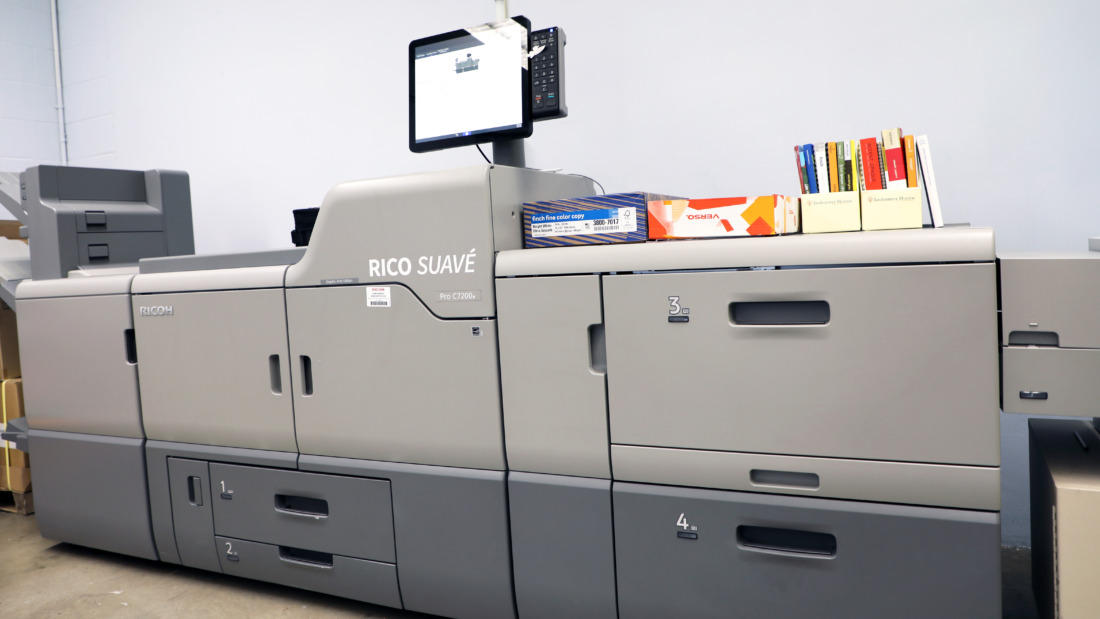
Laser printing is an electrostatic digital printing process. Our current laser printer is a Ricoh PRO C7200. It produces high-quality text and graphics by repeatedly passing a laser beam back and forth over a negatively charged cylinder called a “drum” to define a differentially charged image. The drum then selectively collects electrically charged powdered ink (toner), and transfers the image to paper, which is then heated in order to permanently fuse the text, imagery, or both, to the paper.
File Format and General Guidelines
- Most suitable for booklet prints, double sided printing and large quantities of small format prints.
- Export file format (for submissions): PDF, packaged InDesign folder for booklets.
- Design in color mode CMYK
- Resolution : maximum is 300dpi, minimum recommended is 150dpi.
- Files should be flattened, we recommend making a copy of your design file and flattening before you export.
- Prints both in color and B&W.
- Prints on cut sheets /8.5×11/11×17/12×18/13×19. We currently stock mostly 12×18 inch sheets.
- Printer Limitations : This printer cannot print borderless or full-bleed. All prints will have roughly a 0.125-0.25″ white border. We recommend artboards no larger than 11.5×17.5.
- We always recommend adding bleed to your design file, so that no white media shows when you trim down your print. More on bleeds and trimming here. Remember, prints do not typically come out as full bleed, they are trimmed that way.
- The Ricoh Pro C7200 has an overlap of between 1mm and 4mm. This means that all double-sided prints will not line up perfectly; they will be off-center by up to 4mm. We calibrate our stock regularly to give you the closest alignment.
- Double check the size of your artboard. We do not resize, and will print the file at the size sent to us.
- Often times, if you convert a JPEG or PNG to PDF, it changes your file’s dimensions. It is best to export your design directly to PDF for print.
- Please note that colors shift in the laser printer due to the nature of its process. We unable to exactly match prints made at separate times. Shifts in color are usually minimal.
Proofing, Turnaround Times
There are no free proofs with laser prints. If you would like to see how your design looks in print before ordering a large quantity, we recommend requesting one copy first. Turnaround times are in business days and do not include days we are closed or after-hours submissions. Standard turnaround for laser prints is 1-2 business days, and 2-3 business days for booklets.
Laser Media and Pricing
| Paper Name | Weight | Finish | Size Available | Price Range Per Sheet |
| Explorer Digital Gloss – 100# Cover | 218 GSM | Glossy | 12″x18″ | $0.25 – $0.90 |
| Explorer Digital Gloss – 80# Text | 118 GSM | Glossy | 12″x18″ | $0.20 – $0.75 |
| Hammermill – 100# Cover | 271 GSM | Smooth | 12″x18″ | $0.25 – $0.90 |
| Hammermill – 60# Cover | 162 GSM | Smooth | 12″x18″ | $0.20 – $0.75 |
| Hammermill – 70# Text | 105 GSM | Smooth | 12″x18″ | $0.20 – $0.75 |
| Hammermill Gray– 24# Writing/Text | 75 GSM | Smooth | 11″ x 17″ | $0.12-$0.45 |
| Accent Opaque – 50# Text | 74 GSM | Uncoated | 8.5″x11″ 12″x18″ |
$0.12 – $0.45 |
| Fusion Repositionable STICKER | 300 GSM | Satin | 12″x18″ | $0.80 – $2.00 |
Vinyl Cuts
We operate a Graphtech FC9000-75, vinyl cutters are a type of computer controlled plotter. This machine controls a sharp blade to cut designs and text into a sheet of thin self-adhesive vinyl. You can use vinyl cutting to create weather-resistant window decals, wall text for a gallery, stencils for painting or screen printing. Cuts are usually made by the machine, and then our team weeds the design (removing excess vinyl – negative space). Once the weeding is done, we apply transfer tape.
File Format and General Guidelines
- Export file format for submissions: Illustrator files (.ai or .eps) or PDF (only if properly outlined).
- Designs thinner than 2mm or 1/16″ are not recommended.
- We recommend text no smaller than 36 pt.
- Serif fonts are more difficult to weed than non-serif fonts.
- All text and strokes must be converted into outlines.
- Numerous vector paths overlapping each other? Use Pathfinder to unite and outline the paths.
- We recommend checking for double paths, especially if you used Image Trace for your design. The plotter reads all vectors and makes cuts for every line, paths sitting directly on top of eachother can result in the blade cutting through the material.
- TO PREVIEW YOUR DESIGN: Open your file in Illustrator and go to View > Outline. The cutter will cut all the lines you see.
- Looking to place your vinyl on the inside of a window, facing out? Communicate if you need us to mirror your design for application.
Vinyl Media
We currently stock ORACOL 631 Exhibition Calendered Film Vinyl. Vinyl colors we carry are black and white, rolls up to 24″ wide. If you would like to bring in your own vinyl, we recommend sourcing a ORACOL brand vinyl. Please refer to the Bring in Custom Media drop down.
Vinyl Pricing
| Finishing : cost of weeding + application of transfer tape | CPB Vinyl Material + Custom Vinyl | Transfer Tape Material |
| $10.00 per hour | $2.00 per sq. ft. | $1.00 per sq. ft. |
Finishing + Installation
Finishing cost is the cost of weeding and applying transfer tape. If you would like an estimate for how many hours we may need weeding your vinyl, please ask or schedule a consultation. Turnaround time for vinyl jobs is usually 3 business days, unless the design is more complicated. We will reach out with updates.
We do not typically offer installation. We can do installation with proper scheduling, budgeting. We have a short video on our Youtube channel that demonstrate vinyl installation. Some suggestions for install are to clean the surface with isopropyl alcohol and to reinforce the vinyl once it’s on by pressing it with a squeegee before removing the transfer tape.
Textile Printing
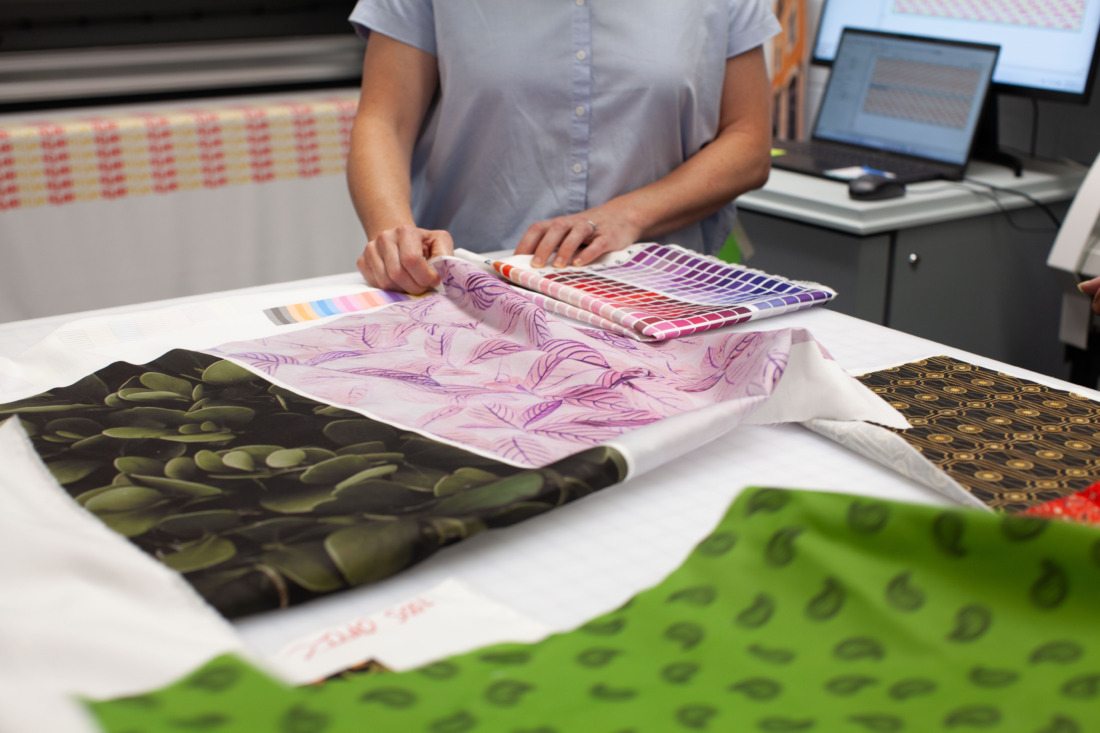
The Mutoh 1938 TX is a 75″ direct-to-textile printer, featuring 8 color channels and 2 printheads for incredible speeds and detail. We are using an aqueous-based pigment ink that is compatible with natural, blended, and coated fabrics. The Mutoh operates similarly to an inkjet printer, spraying out the ink as the print head moves along the fabric.
File Format and General Guidelines
- Export file format for submissions: PDF, TIFF, JPG
- Design in color mode RGB.
- Max media width is 59″, and you can print however long you would like.
- Resolution : maximum is 300dpi, minimum recommended is 150dpi.
- Generally it is best to keep fonts above 26 pt.
- Graphic elements thinner than 1/4″ may become blurred.
- Avoid fine lines when possible, as they may sometimes become blurry in the printing process.
- Not sure if your design is best suited for the textile printer? Email us to schedule a consultation with our Textile Print Technician!
- If needing a white background, make sure you use the eyedropper tool while designing and check those colors are read as #FFFFFF, to ensure that no ink is printed onto your fabric.
Available Textiles + Pricing
We offer a lightweight Sateen and a heavier Canvas. Both materials are 100% cotton. Prices are $18 per linear yard, the width of the fabric rolls are 60″. We cannot take custom fabrics at this time. We are working on making takeaway samples.
Ordering + Turnaround
We print Canvas on Tuesday, Sateen on Thursday and 15-minute appointments are required before we print your assets. Please visit this link to reserve an appointment, and read the important notes!
During your appointment, we will download your assets, and set them up for print. We can resize your assets(to scale) and turn on step-and-repeat patterning using our Wasatch software.
You must have an appointment to request a textile print. Prints are usually available same day, in the afternoon.
Finishing
These prints are intended to be samples, and are not durable for heavy wear and tear immediately after printing. We do not have a heating system for the textile printer, so do not wash fabrics right after printing.
If you will need treat and wash your prints, we would recommend using an iron without steam for 5-10 minutes. Then hand-washing your fabric in cold water. This method has rendered successful results for us, but this is still very much an experimental process. If you intend on using your prints for a presentation, simple wall hangings or demo mockups, do not worry about treating the prints.
We offer serging for your prints. If you would like to have the edges of your print serged, please refer to the Finishing Services drop down.
Bringing in Custom Media
You may bring in custom paper but please read through the following guidelines for each service offered.
Custom Laser Paper
- Paper for laser printing must be marked as Laser Safe by the vendor. Please plan to send us a website or bring the paper in its original packaging so the Production Manager can verify the paper is laser safe.
- We will not trim custom paper down for printing. Use the guillotine in our self-service room to trim papers down to size. All edges of paper should be clean cut, no jagged edges.
- Size constraints : minimum 5×7, maximum 13×27
- You must bring in an additional 50 sheets if you want your paper calibrated. There will be a $3.00 up-charge for every calibration run.
- Calibration is required for proper front and back registration.
- With new paper comes different calibration, set up and troubleshooting. Your job may take longer than the average turnaround time. Account for 2-3 additional business days before completion.
- We have successfully printed on newsprint, adhesive, transfer and even handmade paper. To print on speciality papers such as these please schedule a consultation prior to sending your job in.
Custom Inkjet Paper
The Creative Print Bureau can accept customer-supplied rolls or individual sheets.
- Be mindful with individual sheets, as they should be standard poster sizes, such as A0, A2.
- Custom Media on Inkjet costs $3.00 per square foot.
- All paper must be made specifically for inkjet printers. Look for keywords aqueous ink.
- Paper should come in its original packing, and we need to know the weight or gsm of the media.
- Bring in additional sheets for testing and potential misprints. You will not be charged for misprints.
- For your design files, you will need a margin of at least 2.5″ on all sides when printing on individual Inkjet sheets.
- We cannot do double-sided printing on Inkjet.
Custom Vinyl
We can accept rolls of vinyl to be cut, but we recommend consulting before purchasing. Certain rolls, like Cricut brand, are not compatible with our machines.
If searching for vinyl, we recommend looking at the Orafol/Oracal brand. Popular vendors include Grimco and US Cutter. The rolls should be no larger than 28″ wide. Bringing in your own vinyl, you will only be charged for finishing and transfer tape.
Custom Textile
We currently cannot print on custom textiles.
The Creative Print Bureau reserves the right to deny submitted paper types at any time. Bringing in your own media to use will result in longer turnaround times due to the special handling and testing required.
Finishing Services
We offer finishing services to all customers. We deeply value creative agency, which is why we train studio monitors to assist students with craft such as trimming and bookbinding in self service. We also understand the desire to have us complete craft for you, so we are rolling out finishing options to gauge interest and function.
| Service Available | Cost | Turnaround ** | Notes |
| Scoring | $0.10 per sheet | 1 business day | Scoring placement must be denoted by customer. |
| Corner Rounding | $0.10 per sheet | 1 business day | Either 0.25″ or 0.50″ corners. |
| Scanning | $0.50 per sheet | 1 business day | Specify what file format, if you would like white or black background. |
| Stapling | $0.05 per staple | 1 business day | Specify where on the sheet. |
| Laminating | $0.30 per sheet | 1 business day | Only paper materials. |
| Grommets | $0.25 each | 3-4 business days | Specify location, size and silver or gold. 0.50″ and 0.375″ available. |
| Stack Cutting | $1.00 per cut (students)
$2.50 per cut (nonstudents) |
2 business days | 0.25″ bleed recommended. Must be more than 15 sheets. |
| Hand Trimming | $2.00 per cut (students)
$3.50 per cut (nonstudents) |
2 business days | |
| Textile Serging | $3.50 per square foot | 7-9 business days | color options: black or white thread. Default to edge placement. |
| Textile Trimming | $1.00 per square foot | ||
| Saddle Stitch Bind | $1.50 per book (students)
$2.50 per book (nonstudents) |
3-4 business days | Specify if needing more than 2 staples along spine. |
**Turnaround time does not account for printing. If ordering a print please refer to print turnaround time.